What is a software driver and why does it matter?
A simple explanation of how drivers help hardware and systems communicate.
Read Article
Comprehensive educational resources designed to demystify software drivers. Learn how your system communicates with hardware through our expert-verified guides.
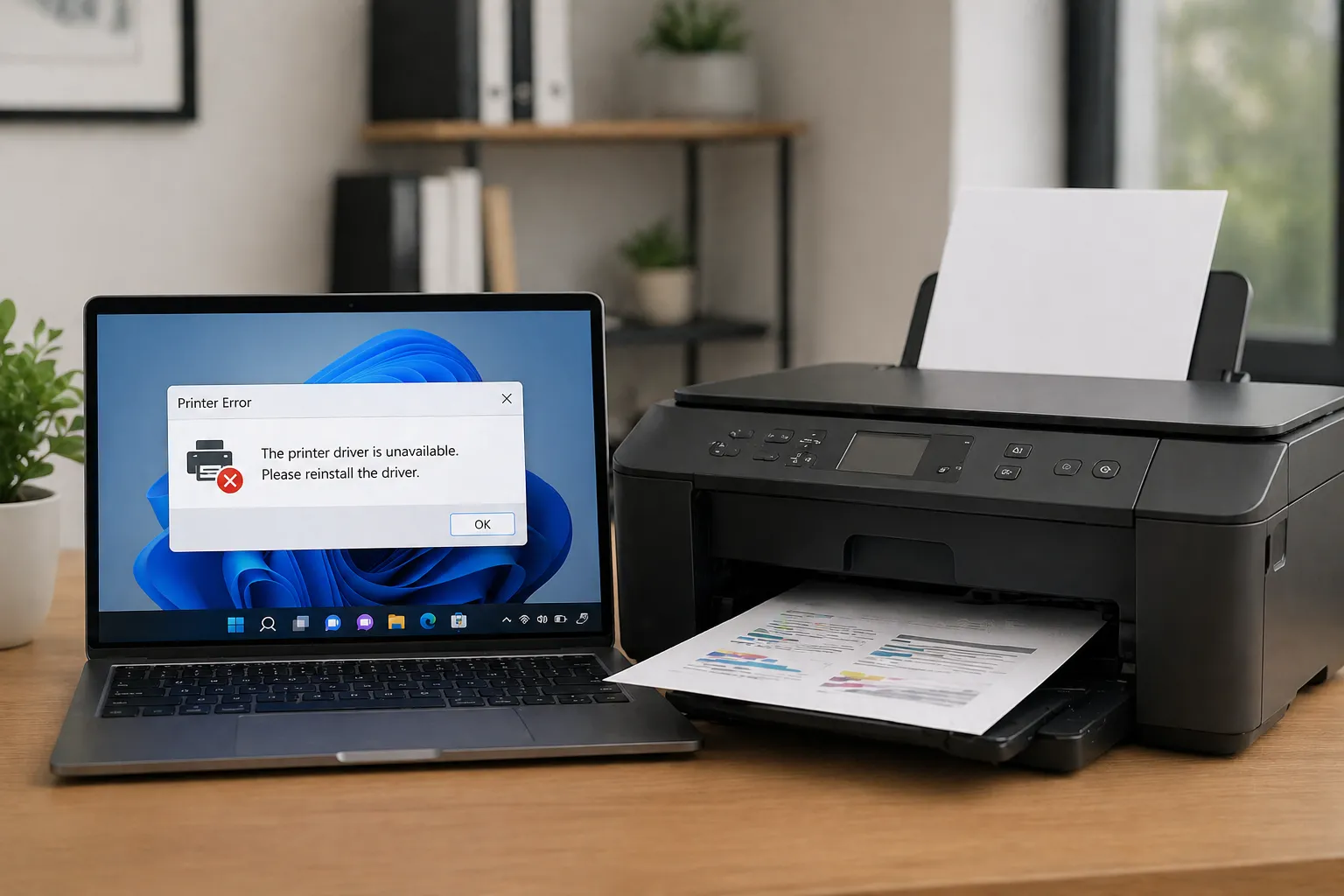
Printer communication guides explained in simple words for everyday learning.
Step-by-step guides for setting up printers and fixing common printing issues.
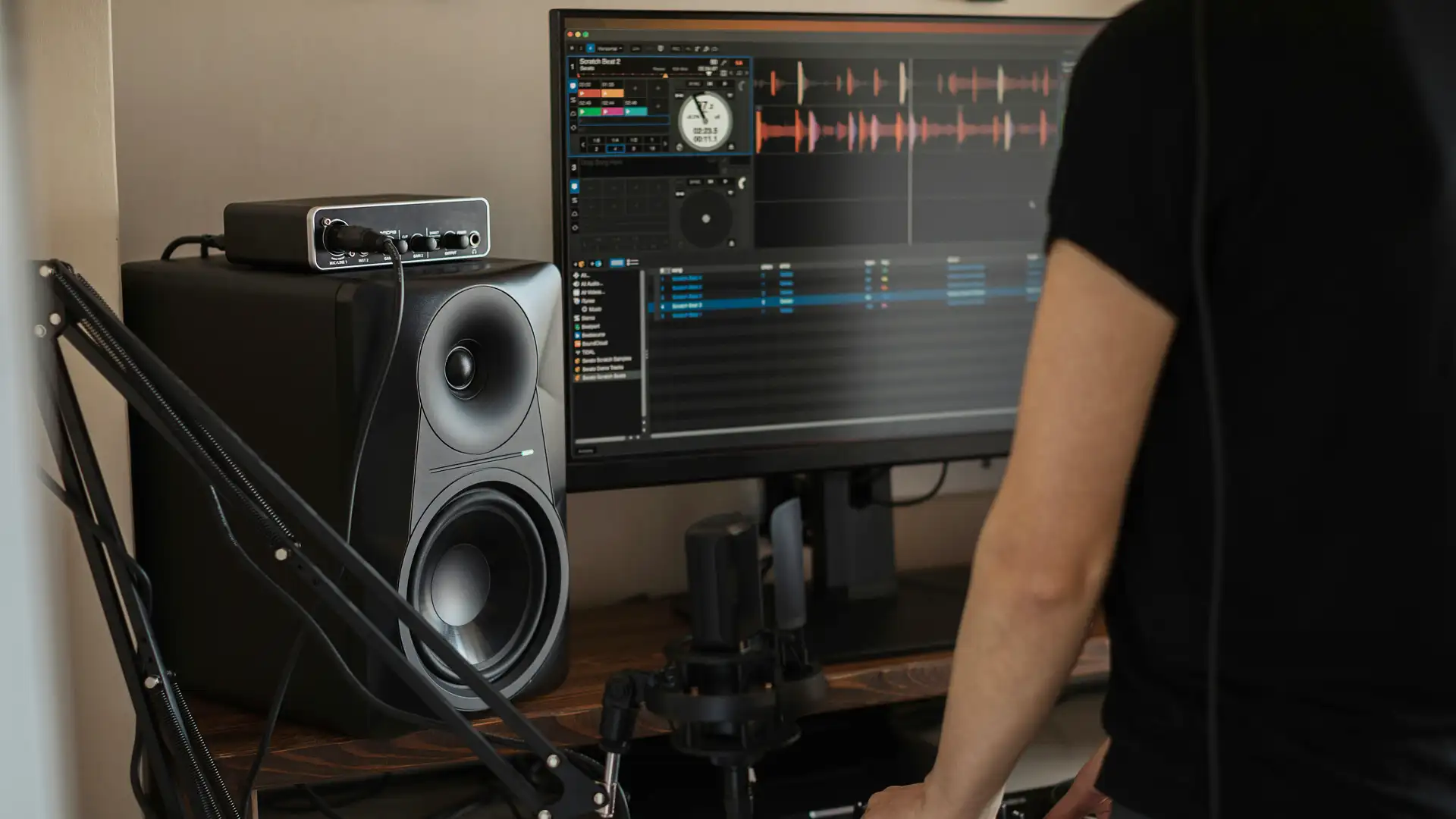
Understand how sound drivers work and how to improve your computer's audio quality.
Learn how to connect scanners and manage image capture software easily.
Technical tips for webcam setup and handling high-speed video streams.
Leap Learn hub explains software driver topics in a clean, simple, and beginner-friendly way. Our content helps users understand display, audio, network, and system driver basics without confusion or heavy technical language.
Driver topics explained in plain English so you can understand the purpose of each driver type easily.
Learn about graphics, audio, WiFi, Bluetooth, and system driver basics that matter for your daily usage.
Detailed educational resources for every hardware component in your system.
Learn how GPUs render visuals and communicate with your operating system.
Understanding the software bridge between sound cards and your output devices.
How digital documents are translated into physical printing commands.
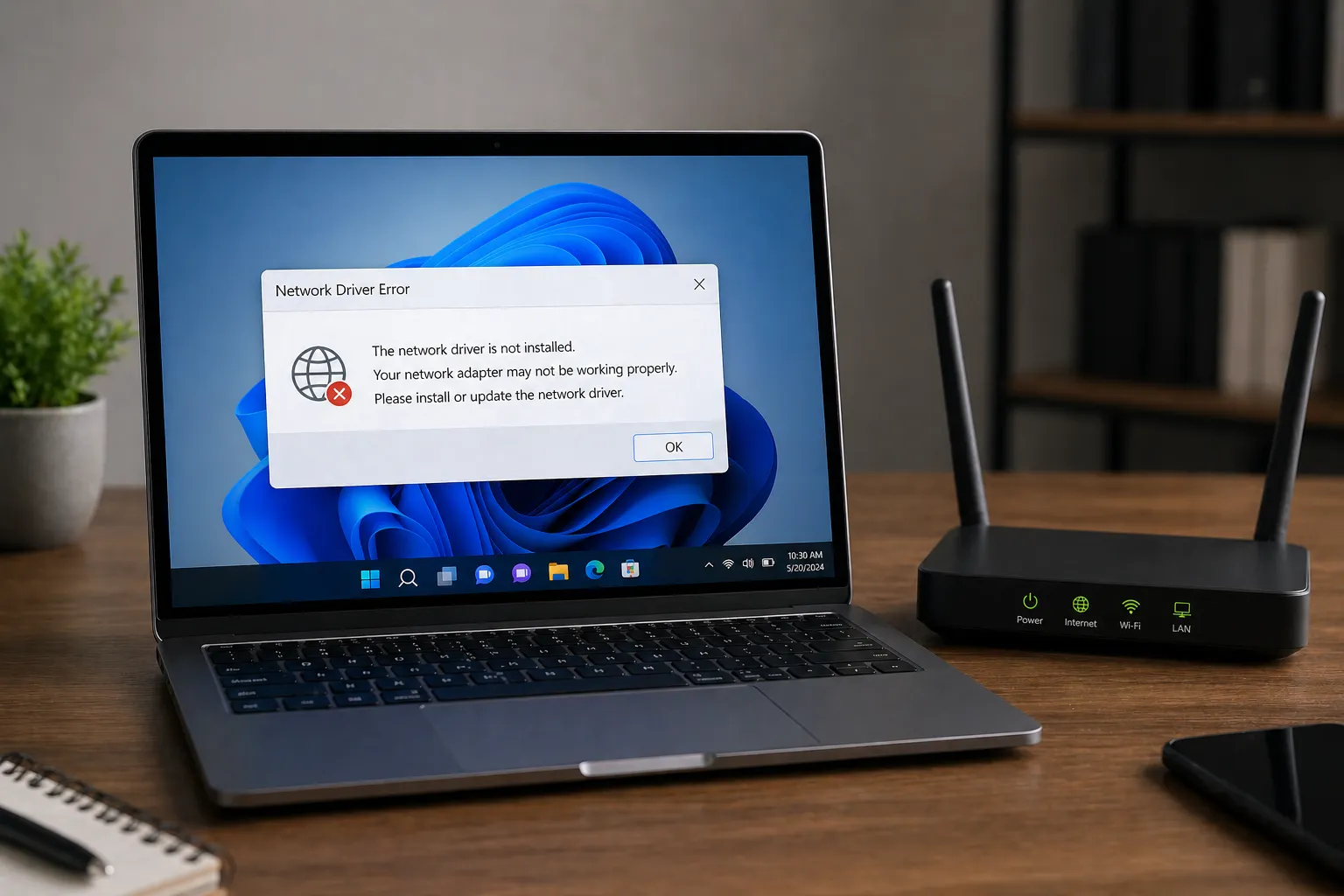
The essential software enabling stable WiFi and high-speed Ethernet connections.
Simplifying wireless communication protocols for all your peripheral devices.
The foundational instructions that manage your motherboard components.
How your system recognizes and manages data flow for external USB hardware.
Guides on managing data flow and driver stability for HDD and SSD units.
How video signals are captured, processed, and displayed by your computer.
Detailed look at gesture recognition and hardware pointer accuracy.
How keystrokes are registered and interpreted by system-level software.
The low-level firmware that initializes hardware during the boot process.
Leap Learn hub is designed for users who want to understand software drivers without confusing technical terms. Our guides focus on essential hardware basics in a clean, distraction-free educational format.
Easy topic flow that helps users learn driver basics one concept at a time.
No heavy jargon. Every explanation is written for everyday learners and beginners.
Learn about printer, audio, graphics, network, and essential BIOS topics.
Content is focused on learning only, with a simple and safe educational tone.
Find simple answers to help you understand what drivers are and why they are essential for your hardware.
We use clear language to explain technical concepts without confusing jargon.
A driver is a small piece of software that acts as a translator, helping your operating system talk to hardware like printers, graphics cards, and network adapters.
Drivers ensure your hardware works correctly. Without them, your devices might not respond, perform poorly, or fail to be recognized by your computer.
You can explore guides on graphics, audio, printers, scanners, network connections, Bluetooth, USB, and essential system firmware (BIOS/UEFI).
Yes. Leap Learn hub is an educational platform. We provide clear explanations to help you understand driver concepts rather than providing software downloads.
Not at all. Our guides are written for everyday users and beginners. We break down each topic into simple, easy-to-understand points.